
Location
Locations define where extension code is executed inside the Shopware Administration.
Each location represents a specific UI context (for example a tab, modal, sidebar, or hidden entry point). Extensions typically check the current location before deciding which UI elements to register or which view to render.
import { location } from "@shopware-ag/meteor-admin-sdk";Prerequisites
See Locations for a full explanation of the concept.
is()
Check whether the current location matches the given location ID. Use this to decide which view to render or which extension logic to run for the active iframe.
Usage
if (location.is("my-location-id")) {
  // Render view for location
}
Parameters
| Name | Required | Default | Description |
|---|---|---|---|
locationId | true | The location ID to check |
Return value
Returns a boolean. It is true if the location ID matches the current location.
get()
Get the current location ID.
Usage
const currentLocation = location.get();Return value
Returns a string with the name of the current location.
isIframe()
Check whether the current code runs inside an SDK iframe. This is mainly useful for hybrid extensions that combine plugin logic with Extension SDK logic, especially in Shopware 6.6 and lower.
Usage
if (location.isIframe()) {
  // Execute the code which uses the meteor-admin-sdk context
  import("./extension-code");
} else {
  // Execute the plugin code
  import("./plugin-code");
}
Parameters
No parameters needed.
Return value
Returns true if the current code is executed inside an iframe. Otherwise returns false.
updateHeight()
Update the height of the current location iframe. If no value is provided, the height is calculated automatically from the current content.
Usage
location.updateHeight(750);Parameters
| Name | Required | Default | Description |
|---|---|---|---|
height | false | Auto generated | The height of the iframe. If no value is provided, it is calculated automatically from the current content height. |
Return value
This method does not have a return value.
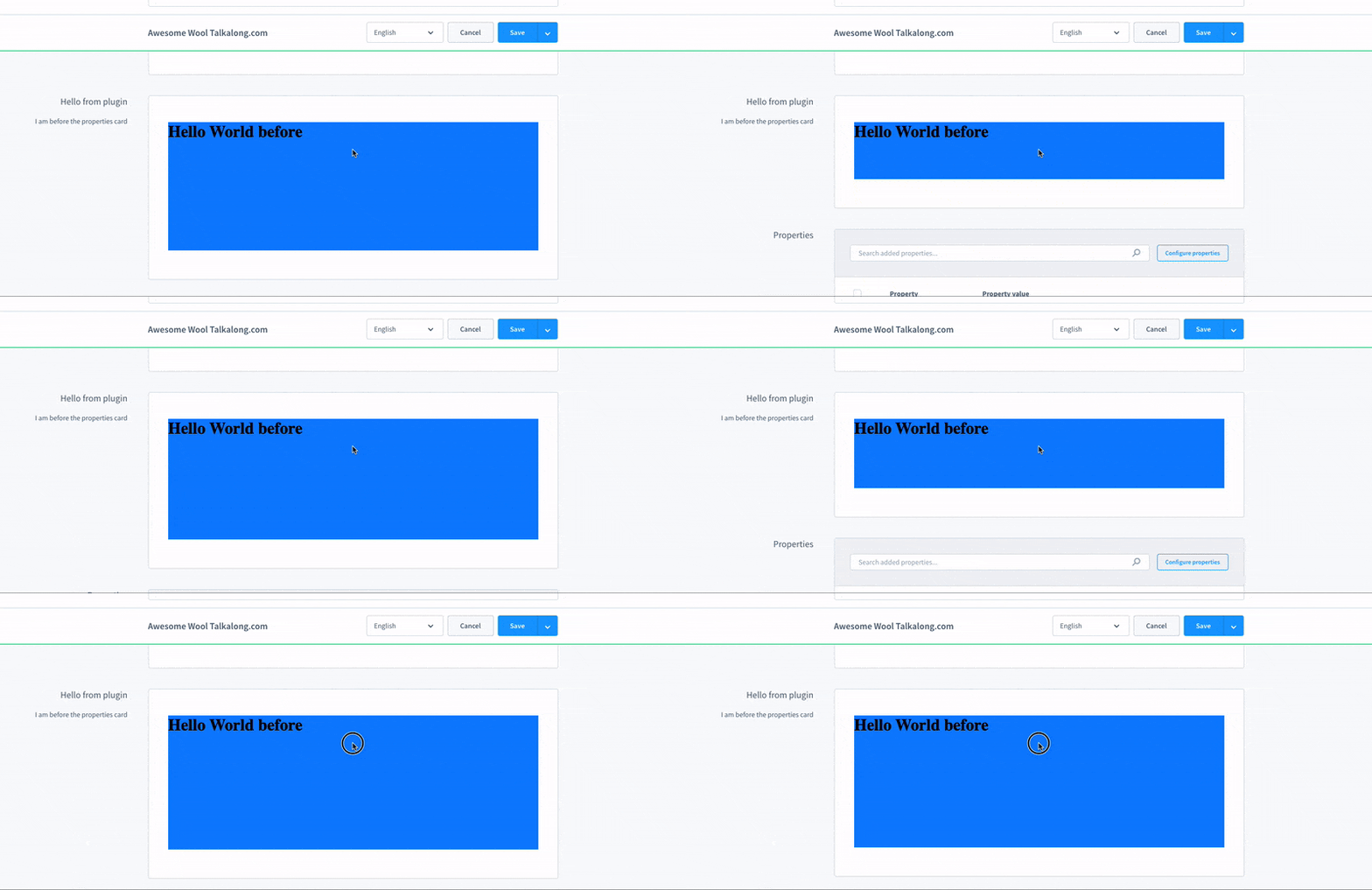
startAutoResizer()
Start automatically resizing the current location iframe whenever the content height changes.
Usage
location.startAutoResizer();Parameters
No parameters needed.
Return value
This method does not have a return value.
stopAutoResizer()
Stop the automatic iframe height updates started by location.startAutoResizer().
Usage
location.stopAutoResizer();Parameters
No parameters needed.
Return value
This method does not have a return value.
updateUrl()
Available since Shopware v6.6.8.0
Send the current iframe URL to the Administration. This only applies inside your own main module or settings page. When the user reloads the whole page, the iframe can be restored to the last URL you sent.
Usage
const currentUrl = window.location.href;

location.updateUrl(new URL(currentUrl));
Parameters
| Name | Required | Default | Description |
|---|---|---|---|
url | true | A URL object with your URL |
Return value
This method does not have a return value.
startAutoUrlUpdater()
Available since Shopware v6.6.8.0
Start automatically sending URL changes from your iframe to the Administration. This only applies inside your own main module or settings page.
Usage
location.startAutoUrlUpdater();Parameters
No parameters needed.
Return value
This method does not have a return value.
stopAutoUrlUpdater()
Available since Shopware v6.6.8.0
Stop the automatic URL updates started by location.startAutoUrlUpdater().
Usage
location.stopAutoUrlUpdater();Parameters
No parameters needed.
Return value
This method does not have a return value.
